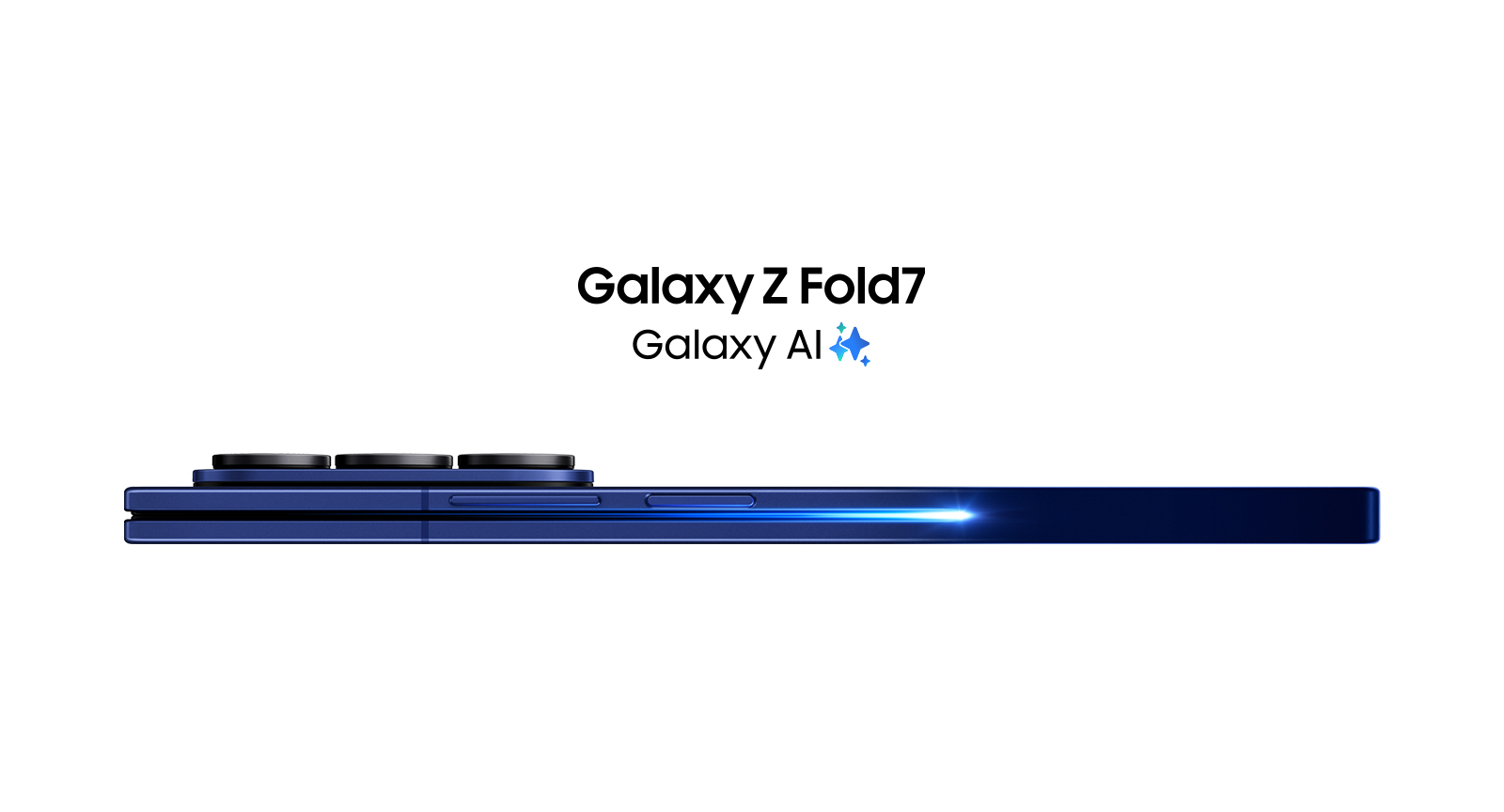
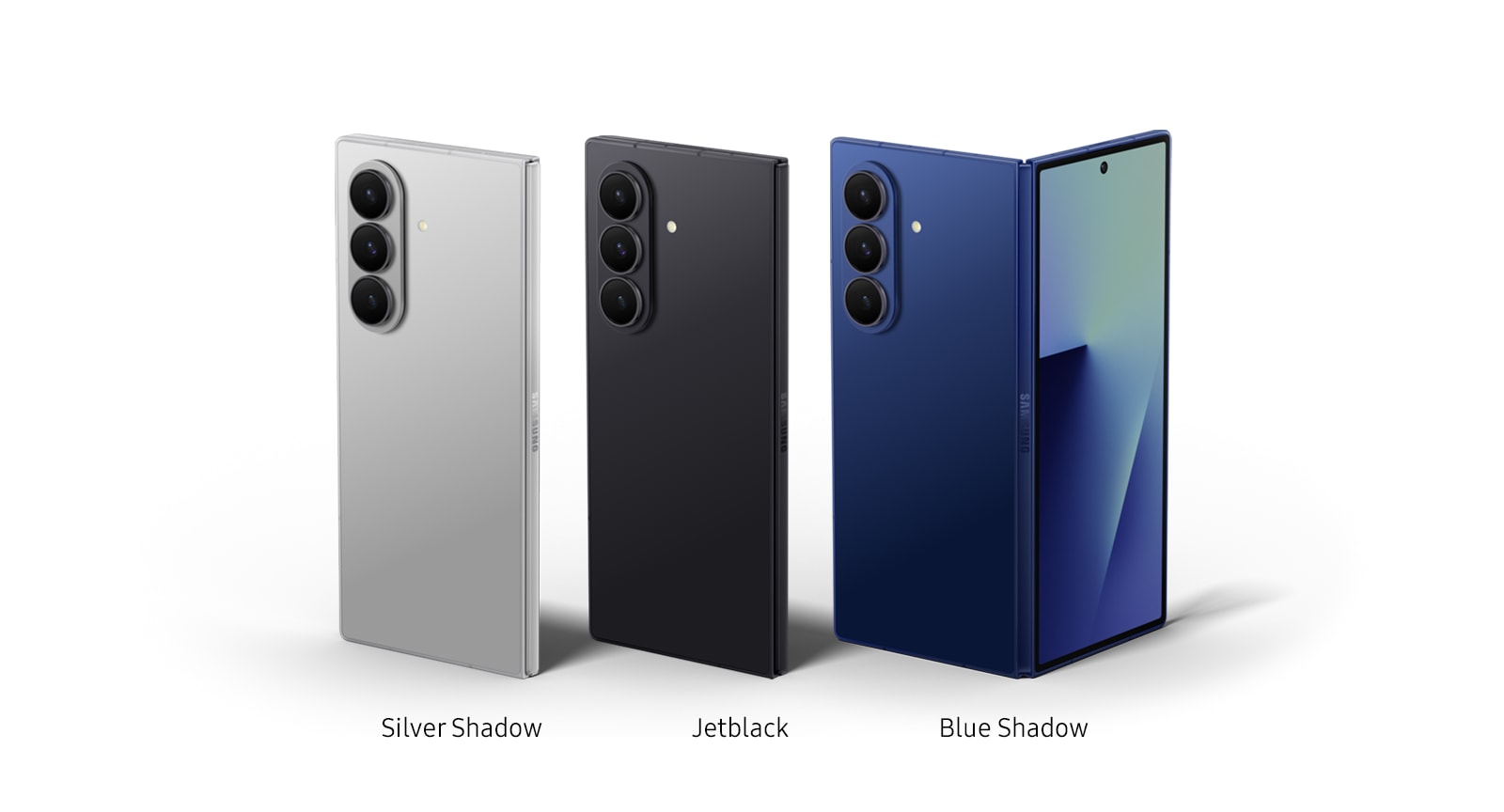
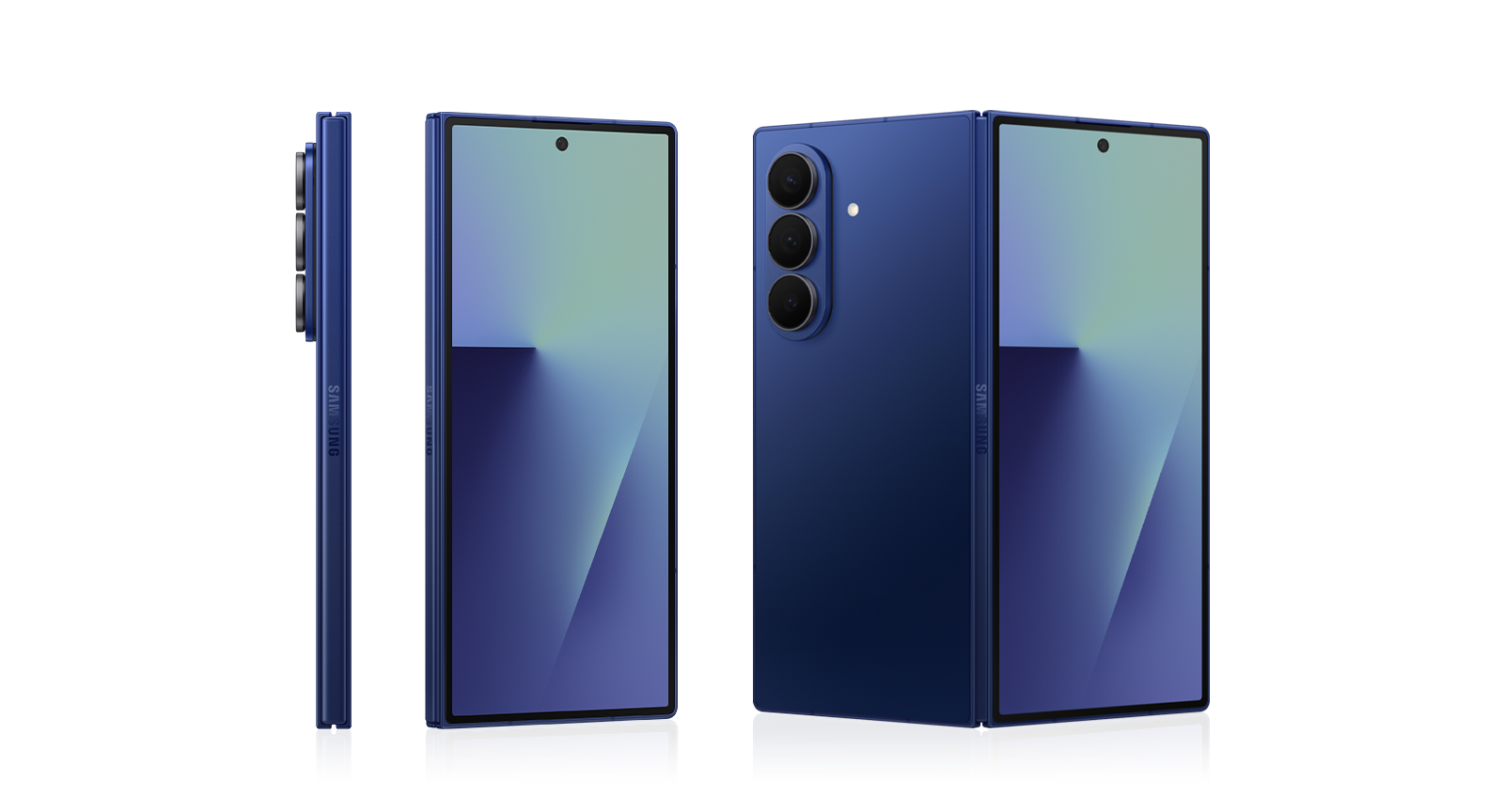
Galaxy Z Fold7
Get Google AI Pro for 6 months
Unlock expanded access to capable AI models, features and rate limits in the Gemini app. Create high quality videos with Veo 3 and help save hours on research with Deep Research on 2.5 Pro. Plus, you get 2 TB of cloud storage.
*Unless canceled earlier, third-party subscription fees apply.
Buying Tool
Device
Please select your device
Not available in this combination
Storage
Not available in this combination
Not sure which storage option to choose?
Figure out your storage needs in just a couple of steps.
Purchase Option
Gifts and Savings
Gifts and Savings
Reached maximum order quantity for this product.
Compare the models
Click to ExpandCompare models
Model
Model
FAQ
Click to Expand-
A. Samsung Galaxy Z Fold7 comes with three storage options of 256 GB, 512 GB and 1 TB. <br><br> If you're unsure of which storage option to get, consider your lifestyle and how much storage you typically use on your phone. You can get an idea of your usage by checking the storage capacity on your current device, which is typically found in the settings. Here, you can see how much space is being taken up and even get a breakdown of the different categories, like photos, videos, apps, music, documents and more. <br><br> If you don't think you'll be creating or downloading much content, then you can stick to a similar storage size to what you already have, or just choose the lowest available option of 256 GB. <br><br> However, if you take a lot of pictures and videos or download a lot of games and apps, then consider choosing the storage option of 512 GB. This should ideally give you the space to add new content to your phone while keeping the photos, videos, music and other files you already have. <br><br> If you're going to be dealing with a lot of data — whether for work or gaming — consider upgrading all the way to 1 TB. This storage variant for Galaxy Z Fold7 was created for power users who require a lot of space for large files and high-performance tasks. <br><br> You can check out available storage options and deals here. <br><br> *Availability of storage options may vary depending on country, region or carrier.
-
A. Samsung Care+ is an extended protection plan for your Galaxy device, providing coverage for when the unexpected happens so you can enjoy peace of mind with your new phone. <br><br> With Samsung Care+, you get access to a wide range of services, including repairs for water damage, cracked screens, hardware issues and more. We also provide replacements for certain parts like batteries and allow you to get Samsung Care+ benefits at home or abroad. All these services are done by Samsung-certified technicians, so you can be assured that your device is in good hands. <br><br> You can sign up for Samsung Care+ coverage even if you’ve already bought your device, as long as it's still within the eligible time period, either online at Samsung.com, in-person at a Samsung Experience store or directly through the settings menu of your new Galaxy device. <br><br> For detailed Samsung Care+ information, please visit <a href="/africa_en/offer/samsung-care-plus/">https://www.samsung.com/africa_en/offer/samsung-care-plus/</a> <br><br> *Terms and conditions apply.<br> *Samsung Care+ coverage, service type and promotion details may vary by country/region and deductible (service fee) may apply. To be eligible for Samsung Care+ promotion benefit, registration may be required.

-
A. You can enjoy the benefits of a seamless ecosystem when you use Samsung products together, as they’re designed to work with each other for an enhanced user experience. Your Galaxy smartphone can pair with other Samsung products like Galaxy Buds, Galaxy Watch, Galaxy Tab and Galaxy Book for smooth cross-device functionality. <br><br> Samsung Galaxy devices can detect each other to effortlessly connect and interact in various ways. They can sync notes and data, shares files, mirror screens and much more. Plus, being part of the Galaxy ecosystem also makes your phone better for work and productivity, as it enables more functions for multitasking and communication between devices. For example, you can copy something from your Galaxy phone, then paste it directly onto your compatible Galaxy Book or Tab. Or you can drag and drop items between different devices, almost like it’s one big extended workspace. <br><br> For detailed information, please check <a href="/africa_en/mobile/connected-experience/">www.samsung.com/africa_en/mobile/connected-experience/</a> <br><br> *Promotion details may vary by region/country/carrier.
-
A. Galaxy Z Fold7 has been re-engineered to be slimmer, lighter and more durable than the previous Galaxy Z Fold6, with more expansive screens both inside and out. <br><br> Galaxy Z Fold7 also offers a powerful 200 MP wide-angle camera, compared to the 50 MP wide-angle camera on Galaxy Z Fold6. Other updates include a more advanced processor and a more optimized battery. These updates have made Galaxy Z Fold7 our most powerful foldable smartphone yet, taking your work, gaming and entertainment to the next level. <br><br> *Compared to previous Galaxy Z Fold models.
-
A. No, Samsung Galaxy Z Fold7 does not come with a charger, though it does come with an ejection pin and data cable included in the box. <br><br> The ejection pin can be used for SIM card removal, while the data cable can be used to connect your phone to other devices for various tasks, including an adapter for charging. However, the actual adapter or charger has to be purchased separately. <br><br> We recommend using a Samsung charger with your Galaxy Z Fold7, as our chargers are designed for safe and optimal use with Samsung Galaxy devices. You can check out the available options at Samsung.com.